Trainer toolkit
Article by

Confession time: productivity and procrastination is a constant struggle. For many people who work remotely, it’s easy to get sidetracked by daily life. You take a bathroom break, walk past your kitchen and see a giant pile of dishes waiting for you.
“I’ll just get it done,” you think. Mid-scrub, you realize you haven’t defrosted the chicken for dinner — oh wait, you’re in the kitchen so you might as well make yourself a quick snack. And before you know it, an hour’s gone by and work is the last thing on your mind.
For those who can relate, productivity hacks and methods can be a lifesaver. I tested five methods on my own focus-heavy work — writing, editing, research, and design. These tasks share a lot of the same DNA as prompting, reviewing, and evaluating AI outputs: sustained attention, creativity, and long stretches at a screen.
Take my personal verdicts with an appropriate grain of salt — but the research is real, and the "for AI Trainers" tips are worth stealing regardless of what I personally preferred.
1. Pomodoro: Your brain on a timer
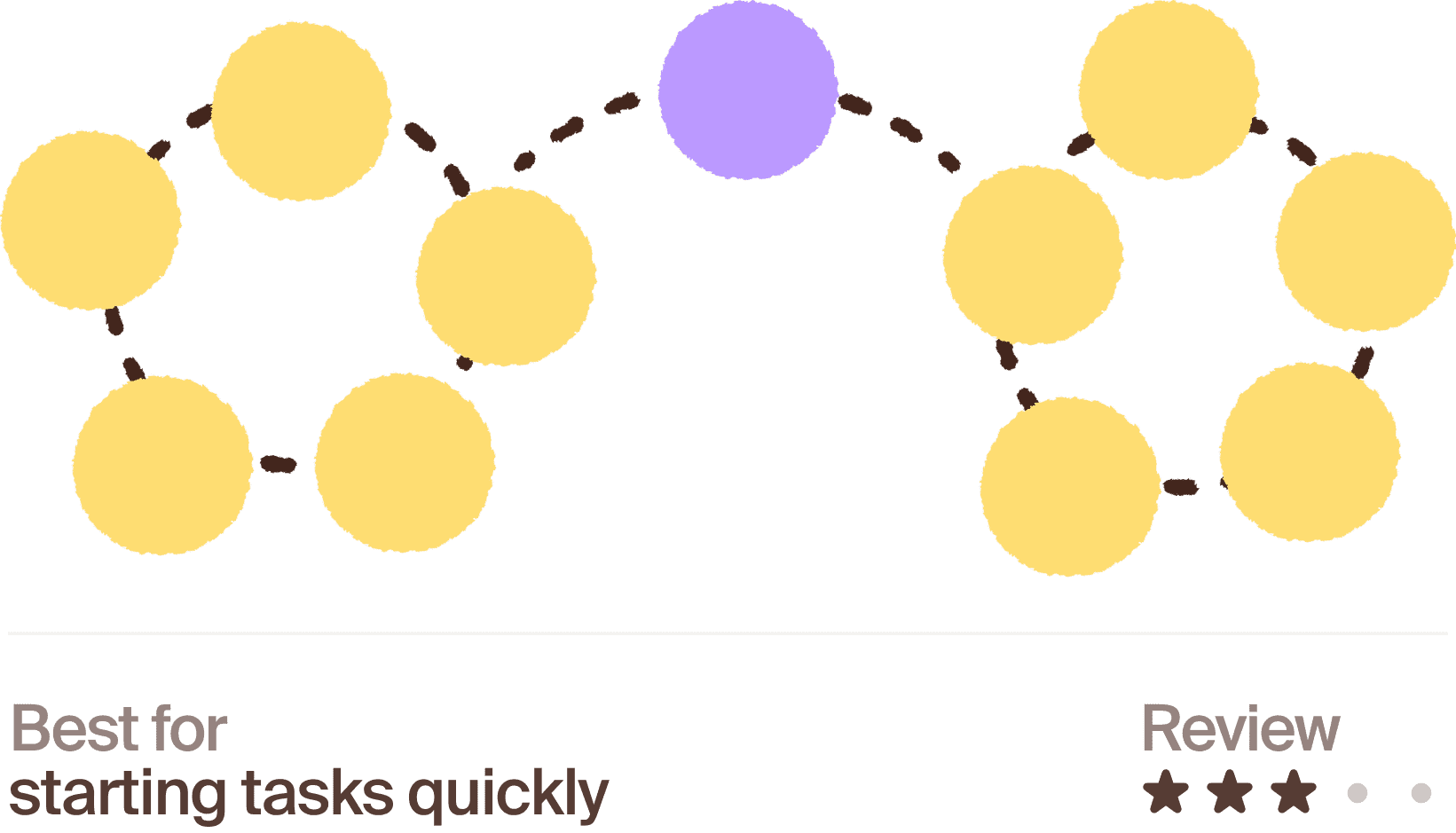
What it is: Work in focused 25-minute sprints, then take a 5-minute break. Repeat.
What the research says:
A 2025 study out of Maastricht University compared Pomodoro breaks against self-regulated breaks (where you decide when and how long to pause) and "flowtime" breaks (break length tied to how long you'd been focused). They found that Pomodoro breaks actually led to a faster increase in fatigue and a faster drop in motivation than just letting people take breaks whenever they felt like it. There wasn't a meaningful difference in overall performance by the end, but the rigid timing wasn't the clear winner it's often made out to be.
My verdict:
Some friends genuinely swear by Pomodoro for getting things done so I was excited to try it. Starting the timer definitely pushed me out of procrastination mode and helped me get started on my to-do list. It became less useful once I was already in the flow — the timer going off mid-thought was more annoying than helpful.
Who it's good for:
People who struggle to start tasks, or who tend to lose track of time and work in unhealthy, unbroken stretches. Less ideal if you already have strong natural focus and find timers more disruptive than helpful.
For AI Trainers:
Probably most useful for the parts of the project that feel like a slog to start (a long backlog of similar tasks) rather than for tasks requiring deep, uninterrupted reasoning, like untangling a complex multi-step response. Use it to get moving, not necessarily to structure your whole session.
Set the timer after you've already picked your next task, so it doesn't interrupt decision-making
If a 25/5 split feels disruptive, try a longer interval (45/10 or 50/10)
Treat the break as a real break — stand up, look away from the screen — rather than switching to a different task
2. Body doubling: Borrowed focus from strangers (or friends!)
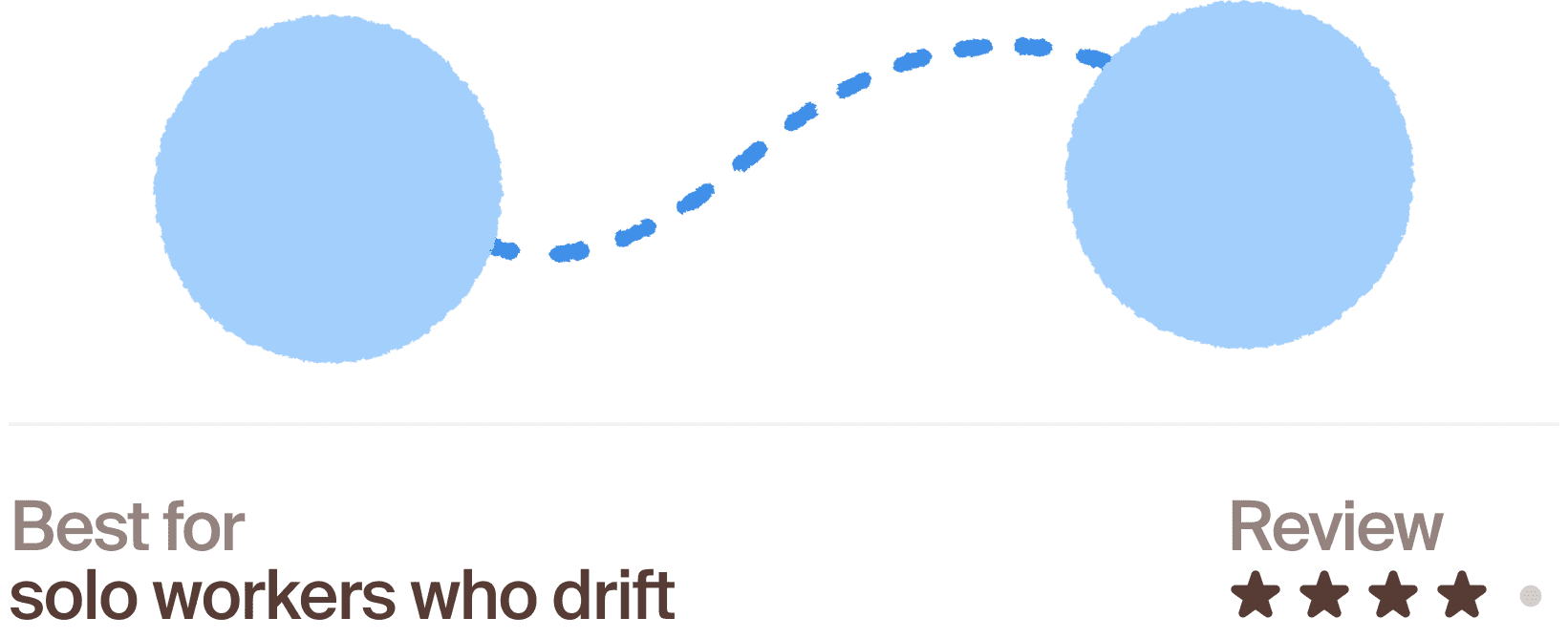
What it is: Doing focused work while another person is present — in person or on a video call — even if you're not talking or working on the same thing.
What the research says:
There's surprisingly little controlled research on body doubling but the underlying mechanism has real backing. Psychologist Robert Zajonc's classic 1965 theory of social facilitation showed that the mere presence of another person increases physiological arousal, which can sharpen focus on tasks you already know how to do well.
My verdict:
Since I work remotely, my take on body doubling led me to a coworking space. Instead of choosing a private booth, I settled in the open public space and, honestly? This was more effective than I expected. I’m not sure if the focused humans around me made me more focused or if I just felt weird taking a TikTok scrolling break in such a work-centered environment, but I got more items checked off my to-do list than usual.
Who it's good for:
People who work alone all day and miss the ambient accountability of an office, or who find it easy to drift toward distractions when no one else is around. Less useful for tasks requiring total silence or private concentration.
For AI Trainers:
Since a lot of task-queue work is solitary and self-paced, this could be worth trying with another contributor, even informally — a shared, silent video call or co-working session, purely for the ambient accountability.
Use a free coworking tool if you don't have a contributor to pair with directly
Keep sessions short at first to test whether it actually helps before committing to longer blocks
If video feels like too much, a shared "focus" chat thread can create a lighter version of the same effect
3. Eat the frog: Do the hardest thing first
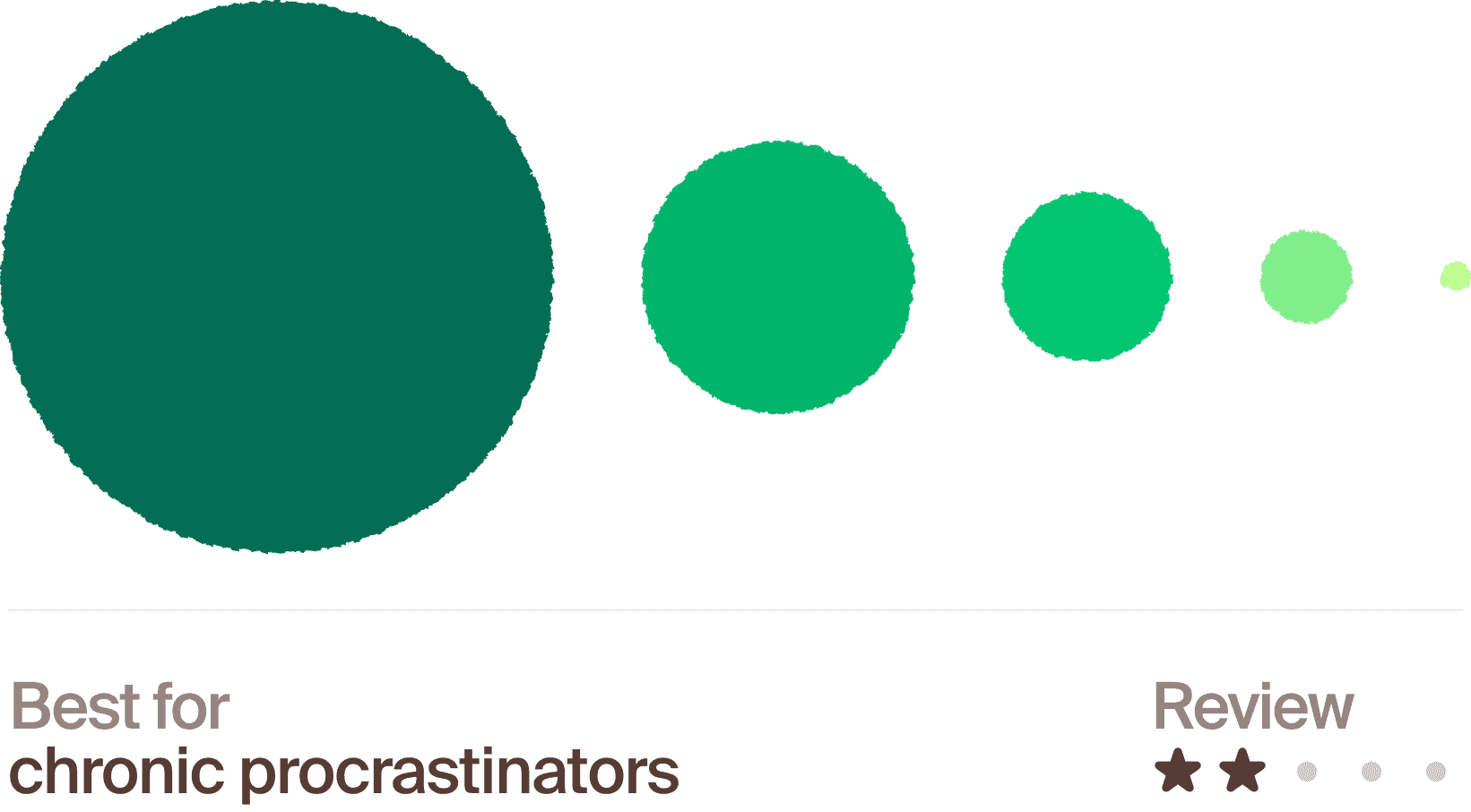
What it is: Do your hardest, most avoided task first, before anything else.
What the research says:
This one's built on the idea that self-control is a depletable resource. You have more willpower early in a session than after you've been making decisions for hours. It's worth being upfront that this theory, known as “ego depletion” has had real replication problems in recent years. A large 23-lab replication study found the effect was close to zero so the theory isn't as rock-solid as it's often presented, even though the practical habit still has real fans.
My verdict:
In theory, getting the task I was dreading out of the way first should make the rest of the day feel easier. Unfortunately, it didn’t quite work for me. I’ve had a task on my to-do list that required a lot of brainpower to rewrite some text. I’m sorry to say, it’s still on my to-do list.
Who it's good for:
People whose energy and focus are noticeably higher earlier in the day. Less useful for people who genuinely do better easing into a session with quick wins first.
For AI Trainers:
If your queue has a mix of easy and difficult tasks, tackling the hardest one first is worth testing, even if the "willpower battery" explanation behind it is shakier than it sounds.
Scan your queue at the start of a session and flag the single most complex or ambiguous task
Give yourself a hard time limit to start it (even 5 minutes) — starting is usually the hardest part
Don't force it daily — use it on days where you notice yourself avoiding something specific in the queue
4. Task batching: Stop the mental ping-pong
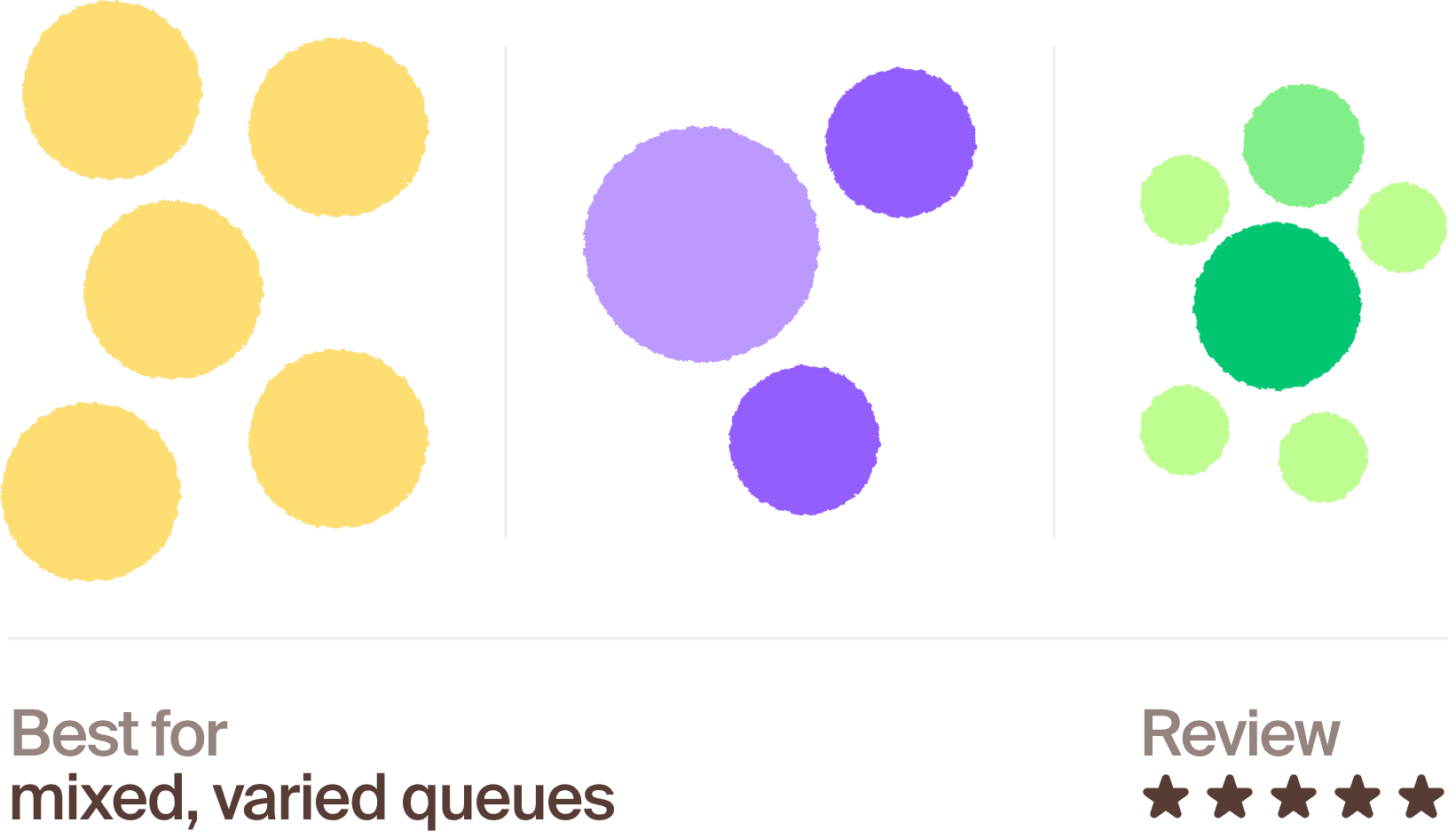
What it is: Grouping similar tasks together instead of jumping between different types of work throughout the day.
What the research says:
This one has the strongest evidence behind it of everything on this list. Longstanding research from the American Psychology Association (APA) on "switching costs" shows that shifting between different kinds of tasks measurably slows people down and increases mistakes, even when the switch is small. Separate research from UC Irvine found it can take over 20 minutes to fully regain focus after an interruption or task switch.
My verdict:
This method showed me the single biggest improvement of the five. Batching similar tasks together, instead of bouncing between them, noticeably reduced how scattered I felt by the end of the day. I divided my work week into similar tasks: organization and research on Monday, design tasks on Wednesday, etc. Not only was it easier to focus but I loved the satisfaction of crossing off an entire batch of tasks on my list every day.
Who it's good for:
Almost everyone, but especially people whose task queue includes a real mix of formats or domains. Less relevant if your work is already naturally uniform task to task.
For AI Trainers:
If your queue lets you filter or sort by task type, working through a batch of similar tasks in a row instead of jumping around is one of the most evidence-backed changes you can actually make.
Resist the urge to "clear notifications" or check messages between tasks in the same batch
Group by type of thinking required, not just topic
If your queue is randomly ordered, spend two minutes at the start of a session mentally sorting it before diving in
5. The 2-minute rule: Satisfy your to-do list box checking needs
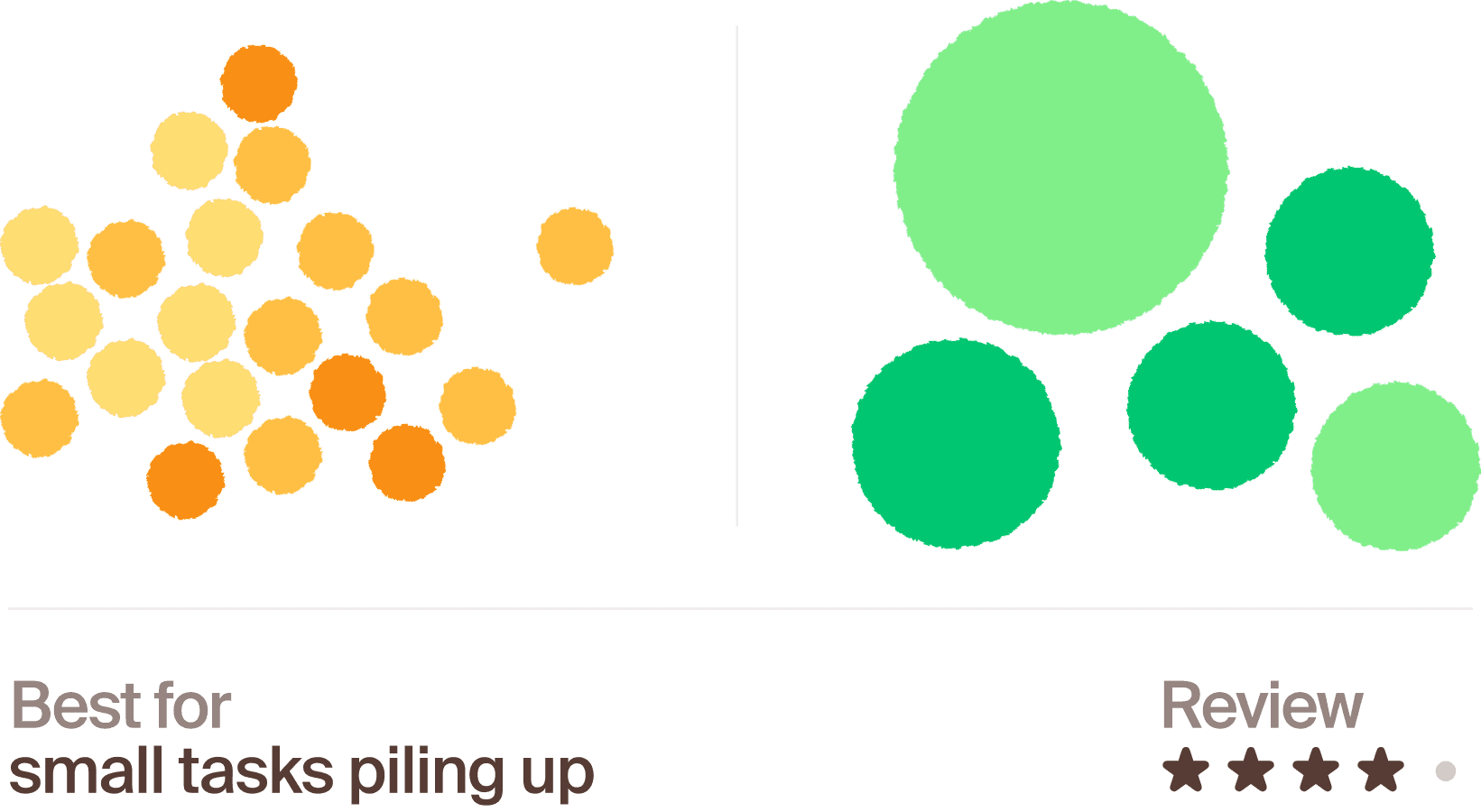
What it is: If something takes less than two minutes, do it immediately instead of letting it pile up.
What the research says:
This one connects to research on the Zeigarnik effect — our tendency for unfinished tasks to linger in our attention. A widely cited 2011 study by Masicampo and Baumeister found that the mental tension from an open task isn't fully resolved just by finishing it but that simply making a concrete plan for it provides nearly the same relief. Small, quickly-resolved tasks are the easiest way to close that loop before it builds up.
My verdict:
Small, but real. Clearing a handful of two-minute items immediately, instead of stacking them into a to-do list, left my head noticeably clearer for the bigger tasks. This included things I already do every day — checking emails, social mentions, reading through comments, etc. I set aside the first 30 minutes of my day for this, without adding it to my to-do list, and the relief was real.
Who it's good for:
People who tend to accumulate a pile of small "I'll get to it" items that quietly weigh on their focus. Less critical for people who are already naturally quick to clear small tasks as they come up.
For AI Trainers:
If a task queue includes quick clarifying steps — rereading a rubric line, double-checking a source — doing them the moment they come up, rather than letting several pile up, is a small habit with real cognitive backing.
For anything that can't be done in two minutes, write a one-line plan for it immediately instead of just noting "do later"
Keep a running "under 2 minutes" list for the start or end of a session, so small tasks don't quietly interrupt deeper work mid-task
Don't let this rule creep into bigger tasks (it only works because it's genuinely fast)
Article by

Mindrift Team


